Every number gets its own lane.
Sendlane pairs each customer's own WhatsApp number to an isolated session. Send messages over REST. Receive replies on signed webhooks.
Uses WhatsApp Web, an unofficial method. Not affiliated with WhatsApp or Meta.
Demo traffic. A message on one lane never appears on another.
Four screens from first scan to first reply
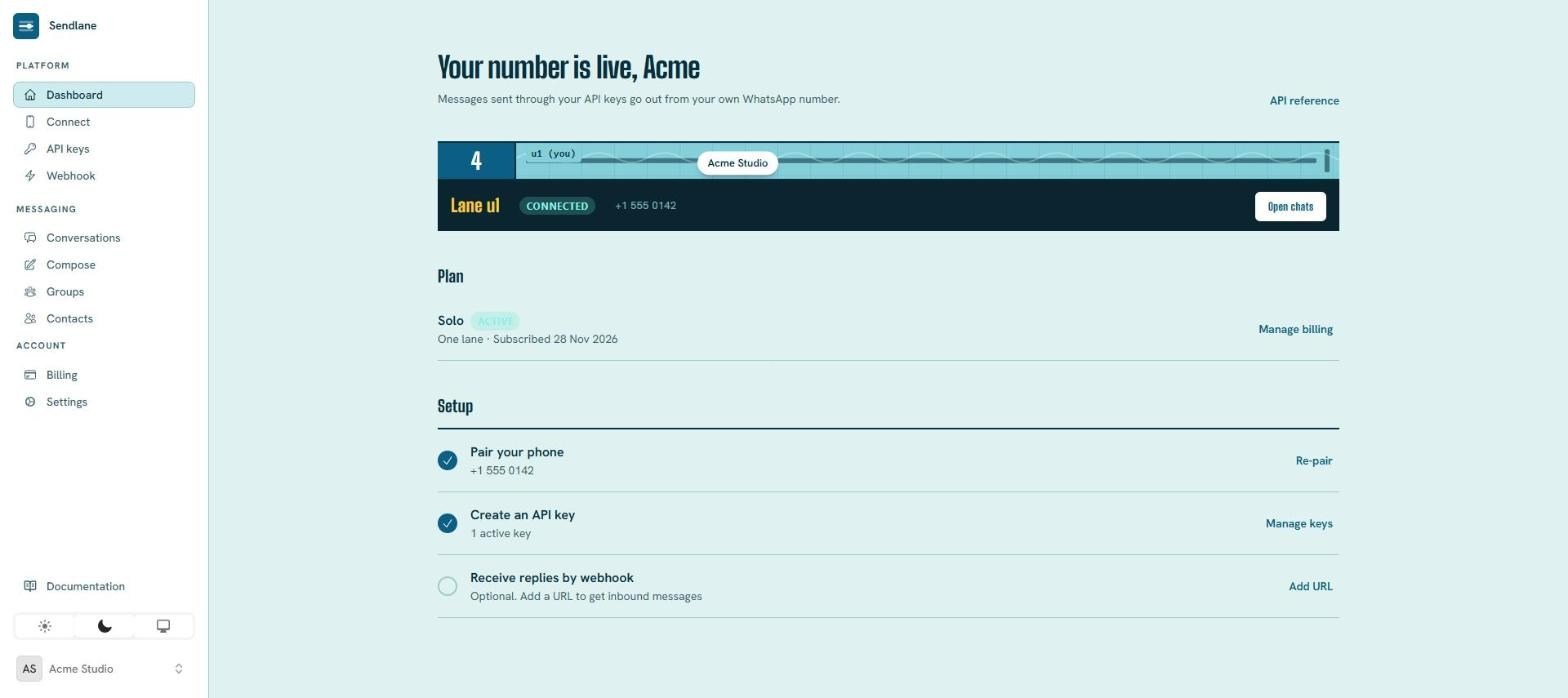
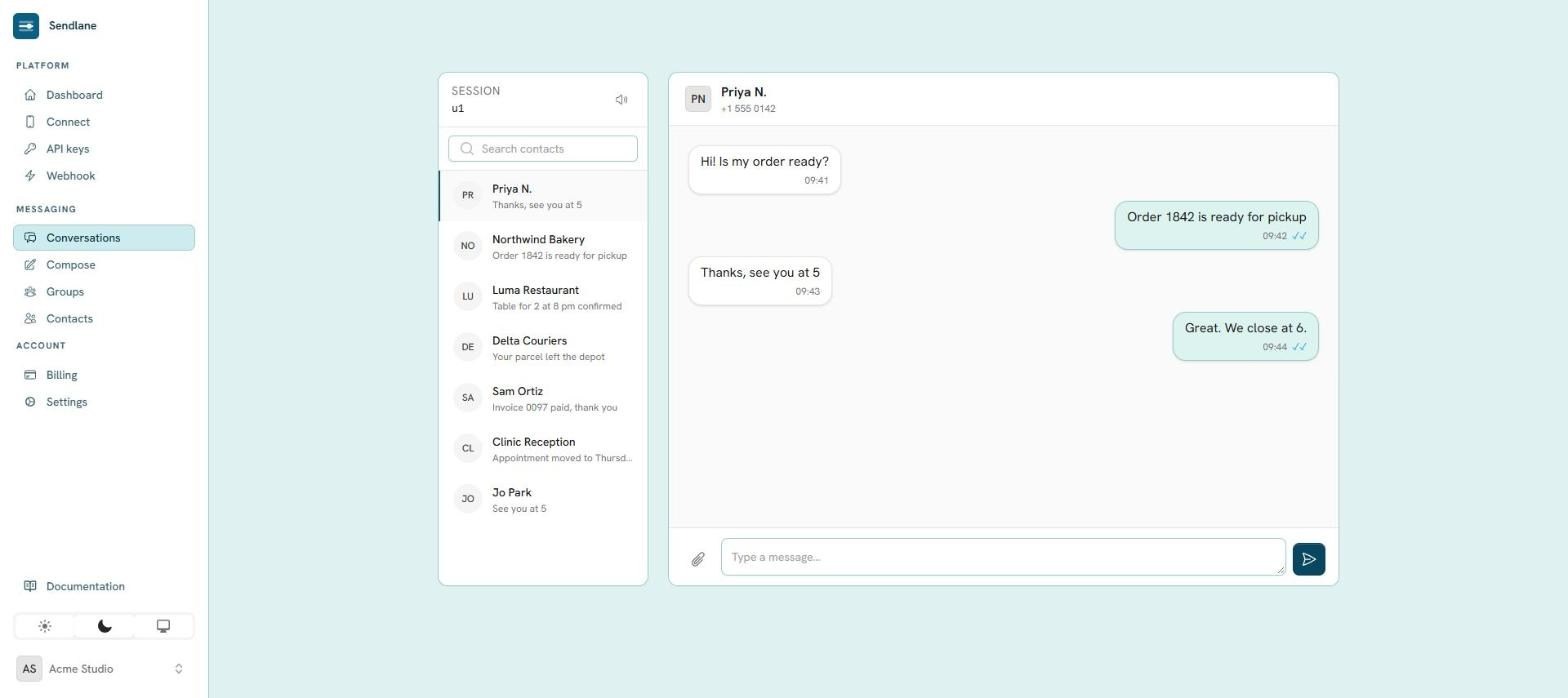
This is the real dashboard. Names, numbers and messages are demo data.
-
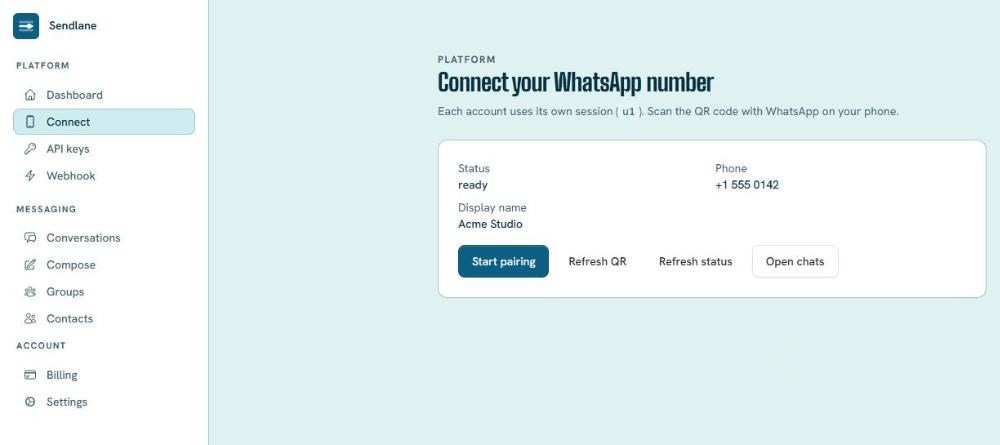
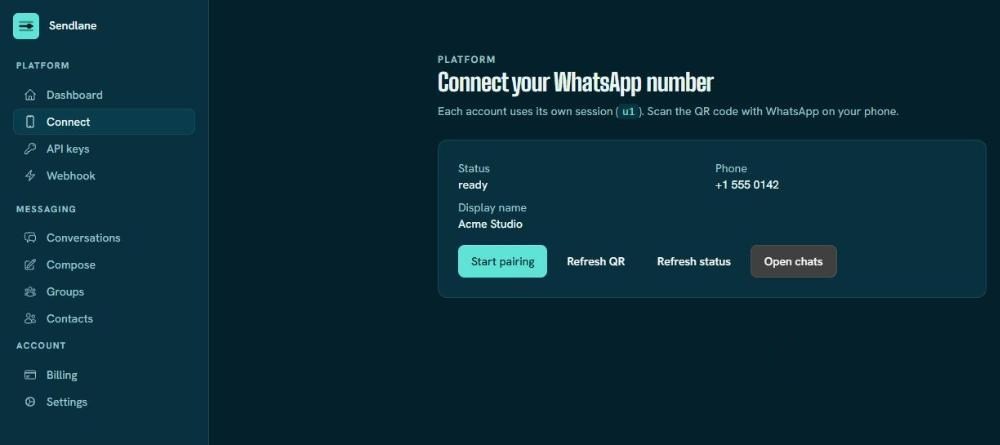
Pair your number
Scan the QR code with the phone you want to use. Your session starts on its own lane, named after your account.
-
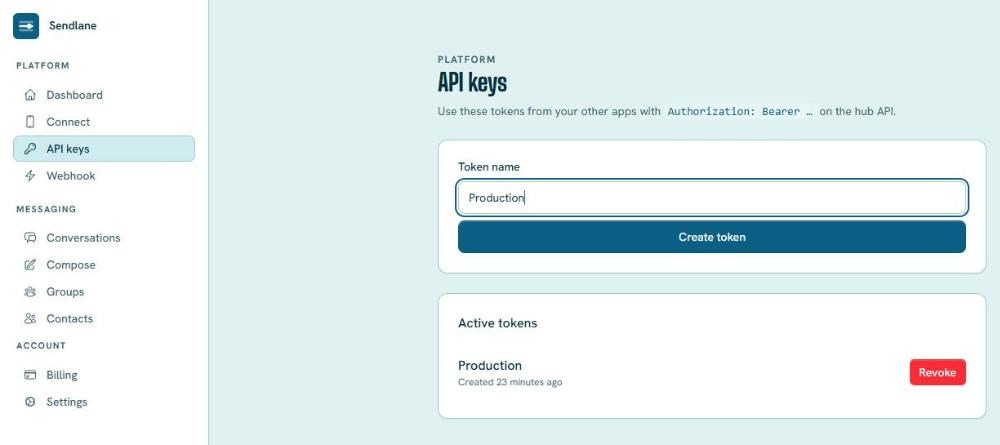
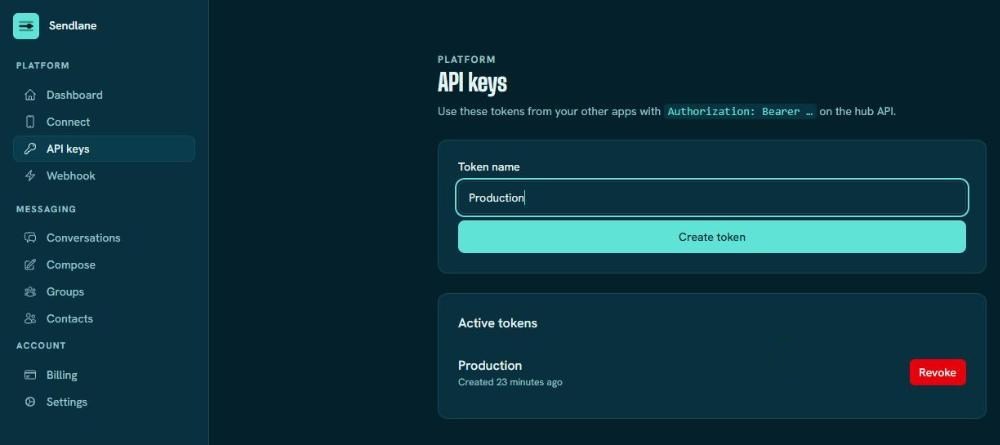
Create an API key
One token per app. It is tied to your account, so it can only ever use your lane. Revoke it any time.
-
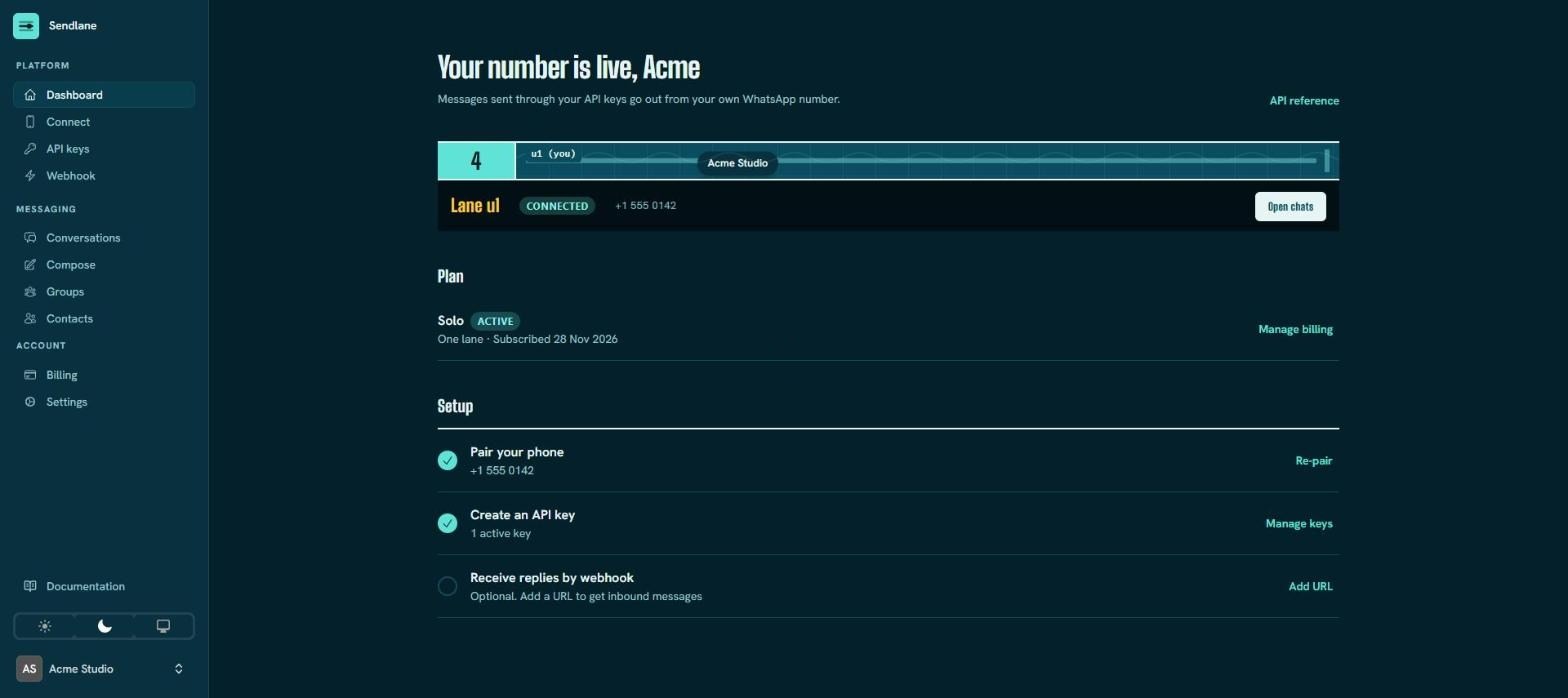
Watch your lane
The dashboard shows your lane, its status and what is left to set up. Connected means the session is ready to send.
-
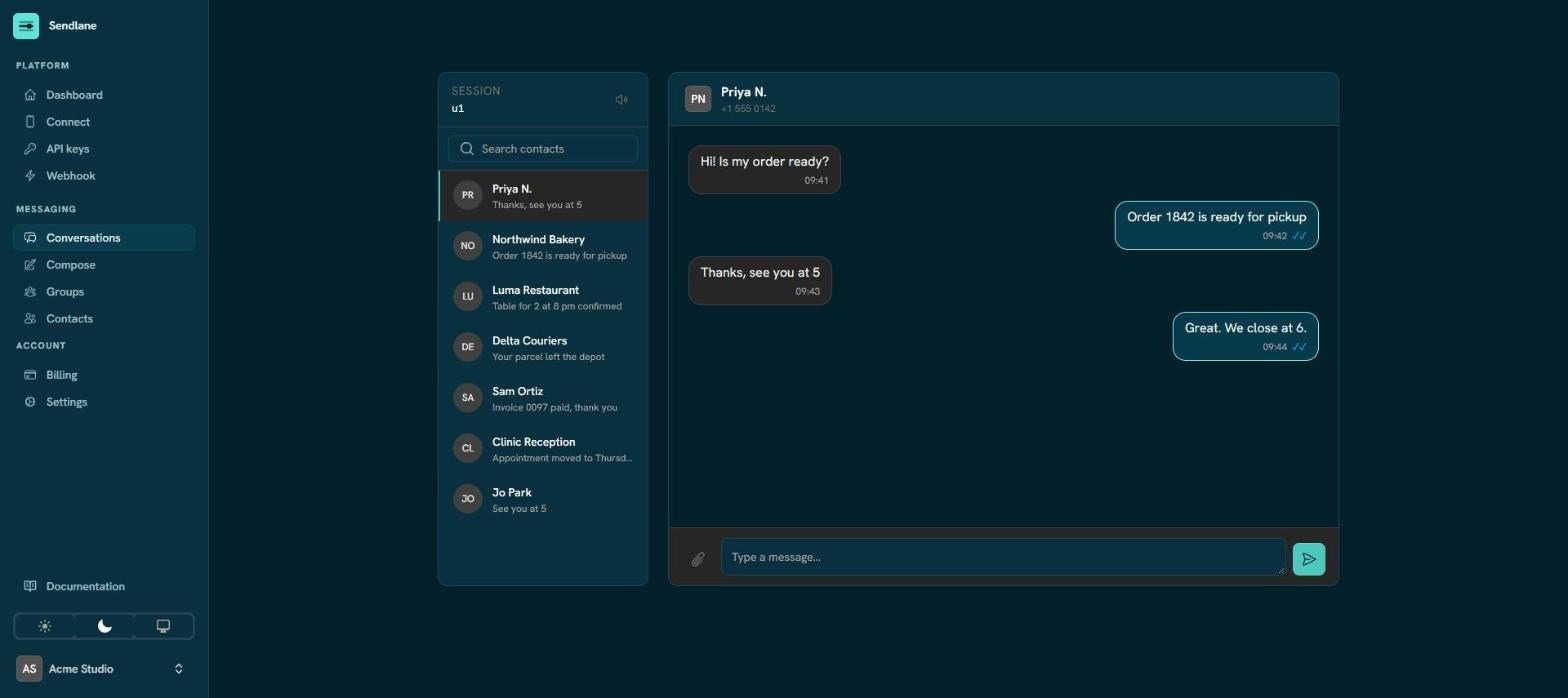
Read the replies
Replies show up in Conversations and, signed, on your webhook. Answer from the dashboard or from your own app.
From QR scan to first reply
Pair the number
Open Connect in the dashboard and scan the QR code with the phone you want to use. The session starts on its own lane, named after the account.
// Prefer automation? Start a session from your backend.
POST /api/v1/session/start

{ "session_id": "u42", "status": "qr", "qr": "data:image/png;base64,..." }
Send from your app
Create an API key, then post a message. The token is tied to one account, so it can only ever use that account's lane.
POST /api/v1/messages
Authorization: Bearer <token>

{ "to": "966512345678@c.us", "text": "Order 1842 is ready" }
Hear back on a webhook
When someone replies, we post the message to your URL with an HMAC signature. Verify it, return a 2xx, and process in the background.
POST https://your-app.example.com/webhooks/sendlane
X-Webhook-Signature: sha256=<hex>

{ "event": "message.received", "data": { "session_id": "u42", ... } }
If you build products
Treat WhatsApp like any other channel in your stack. One bearer token, a handful of JSON endpoints, and webhooks you can verify with a few lines of code. No Meta Cloud API onboarding.
API referenceIf you run a business
Use the number your customers already know. Scan a QR code once, then let your tools send and receive on your behalf. Your number stays yours, and each account is kept apart from every other.
See what you getMessages stay in their lane.
How isolation works- One session per account. A token cannot pick another session. The lane is decided by who you are.
- Signed on the way out. Every webhook carries an HMAC of the raw body, using a secret only you hold.
- Rate limited by design. Starting sessions, refreshing QR codes and sending messages each have their own ceiling.
Docs your agent can read
Every page of the API reference is also served as Markdown, plus an OpenAPI spec and an llms.txt index. Point a coding agent at one URL and it can integrate on its own.
Read the docs# index for LLMs and coding agents
curl http://sendlane.amm-labs.com/llms.txt
# the full reference as Markdown
curl http://sendlane.amm-labs.com/docs.md
# machine-readable API description
curl http://sendlane.amm-labs.com/openapi.json